Support
We're Here to Help
Have a question or need assistance? Check our FAQ for quick answers, or reach us directly from the app.
Contact Us From the App
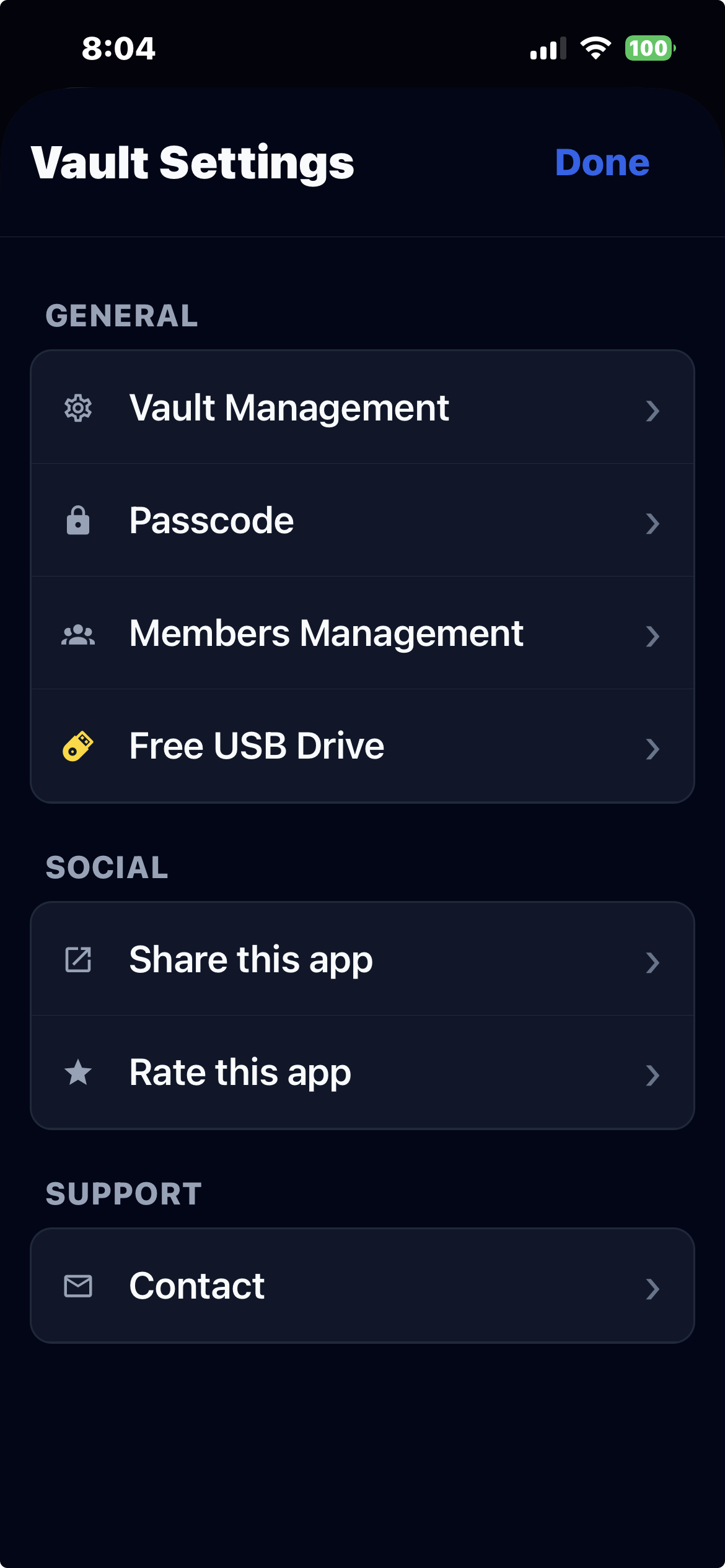
Getting in touch is easy. Just follow these three steps inside the mobile app:
-
1Open Vault Settings Tap the settings icon from your vault screen.
-
2Find the Support Section Scroll down to the Support section at the bottom.
-
3Tap "Contact" Fill in your message and we'll get back to you as soon as possible.
Local Family Vault
Local Family Vault is owned and operated by A.C.N. 681 132 052 PTY LTD.
You can also email us directly at
info@localfamilyvault.com.